Best Shaders to Pair with Actions and Stuff (2026)
Already love Actions and Stuff? Then here’s how to make it look even better — add a shader. The pack handles the animations. A shader handles the lighting. Together, they make Minecraft look unreal.
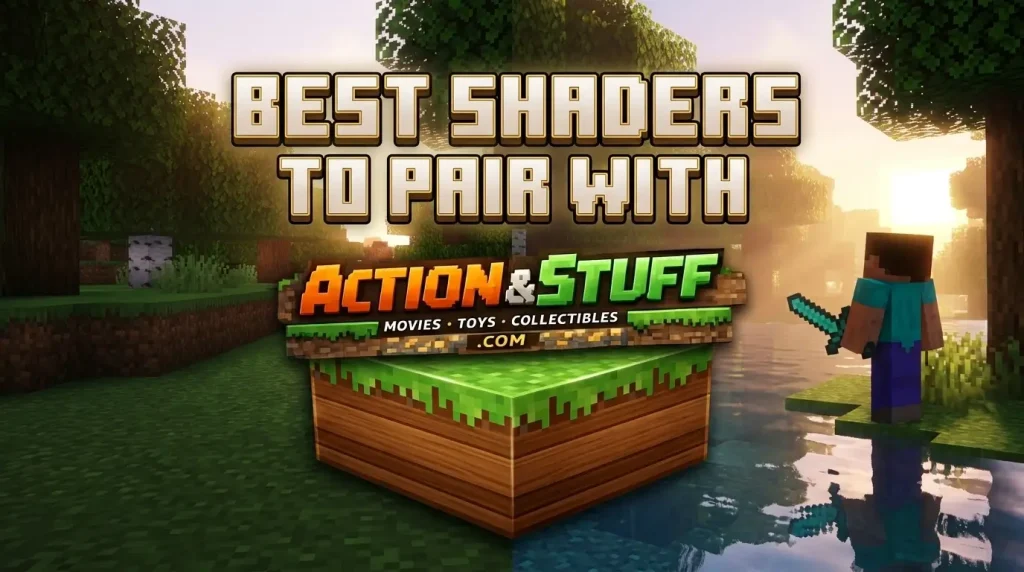
Here’s the deal: Actions and Stuff works with most Bedrock shaders. But some pair better than others. So below, we’ll cover the best shaders for every device, how to install them, and how to avoid the common conflicts. Let’s make your world glow.
Why Pair a Shader With Actions and Stuff?
First, let’s be clear on what each one does. They handle totally different things:
- Actions and Stuff → animations, mob movement, 3D items
- Shaders → lighting, shadows, water reflections, sky effects
So they don’t overlap. Instead, they stack perfectly. One brings your world to life with motion. The other bathes it in realistic light. The result feels like a brand-new game.
Do They Actually Work Together?
Short answer? Yes. Actions and Stuff is an animation pack, and shaders are lighting packs. So they don’t fight for the same job.
- Both run at the same time with no conflict
- Just keep Actions and Stuff above the shader in your pack order
- Then activate both and load a world
One note: shaders are heavier than the pack. So on weak devices, the shader is what causes lag — not Actions and Stuff.
Best Shaders for PC (RTX & High-End)
Got a strong PC? Then go all out. These shaders shine on powerful hardware:
- RTX / Ray Tracing — the gold standard for Windows Bedrock. Real-time lighting and reflections. Pair it with the 64x subpack for the best look. Full RTX setup is on our PC guide.
- Render Dragon shaders — built for Bedrock’s engine. Smooth, stable, and gorgeous on PC.
- Kelly’s Shaders — rich colors and deep shadows, great for screenshots and videos.
So on a gaming PC, RTX plus the 64x pack is the ultimate combo.
Best Shaders for Android & iOS
Playing on mobile? Then you want shaders that look good but stay light:
- ESBE 2G — a fan favorite. Balanced visuals with solid performance on mid-range phones.
- BSL Shaders (Bedrock port) — beautiful lighting, works on stronger phones.
- Newb X — lightweight and smooth, great for budget devices.
One tip for mobile: pair these with the 16x or 32x subpack. That keeps your FPS smooth while still looking great.
Best Lightweight Shaders for Low-End Phones
Got a budget phone? Then don’t worry — you can still add a shader. Just pick a light one:
- Newb X Lite — made for weak devices
- Simple Shaders — minimal effects, minimal lag
- Vanilla Plus Shaders — a subtle boost without the performance hit
So even a 2GB RAM phone can run a light shader with the 16x subpack. Keep render distance at 8 chunks for the smoothest result.
How to Install a Shader With Actions and Stuff
Ready to combine them? Just follow these steps:
- First, download your chosen shader (it comes as an .mcpack file)
- Then tap the file — Minecraft imports it automatically
- Next, go to Settings → Global Resources
- After that, activate both Actions and Stuff and the shader
- Important: drag Actions and Stuff to the top, shader just below
- Finally, restart Minecraft and load a world
That’s it. Both run together, and your world transforms.
Avoid These Common Mistakes
Before you start, avoid these pitfalls:
- Don’t stack two shaders. Pick one. Two shaders conflict and cause glitches.
- Don’t stack two animation packs. Keep only Actions and Stuff for motion.
- Don’t use a heavy shader on a weak phone. Match the shader to your device.
- Don’t forget pack order. Actions and Stuff must sit above the shader.
So the rule is simple: one animation pack, one shader, correct order. Do that, and everything works.
Will Shaders Hurt My Performance?
Honest answer? A little — but it depends on the shader. Remember, shaders are heavier than Actions and Stuff.
- On a strong PC → almost no impact
- On a mid-range phone → use a lightweight shader
- On a low-end phone → use the lightest shader and the 16x subpack
So if your game lags after adding a shader, the shader is the cause. Switch to a lighter one, and Actions and Stuff will keep running smoothly on its own.
Frequently Asked Question(FAQ’s)
Make Your World Glow
So, here’s the recap for the best combined look:
- Keep Actions and Stuff for animations
- Add one shader that matches your device
- Set the pack order — Actions and Stuff on top
- Match the subpack — 64x for PC, 16x–32x for mobile
Do this, and you get smooth animations and stunning light in one world.
Don’t have the pack yet? Grab the free APK or MCPACK from our download page. Want to see the pack’s full impact first? Check our Actions and Stuff vs Vanilla comparison.
Want full features and platform guides? Visit our Actions and Stuff APK homepage.